---
title: "How to integrate the Aloha Wysiwyg Editor with Play! Framework"
date: 2013-04-26T08:50:38+00:00
author: "poornerd"
tags: ["aloha-editor", "wysiwyg"]
canonical: https://www.poornerd.com/2013/04/26/integrating-the-aloha-wysiwyg-editor-with-play-framework/
source: Raw Markdown twin of the HTML article; content is the original source.
---
**UPDATE: code checked in on github: https://github.com/poornerd/play-aloha**
[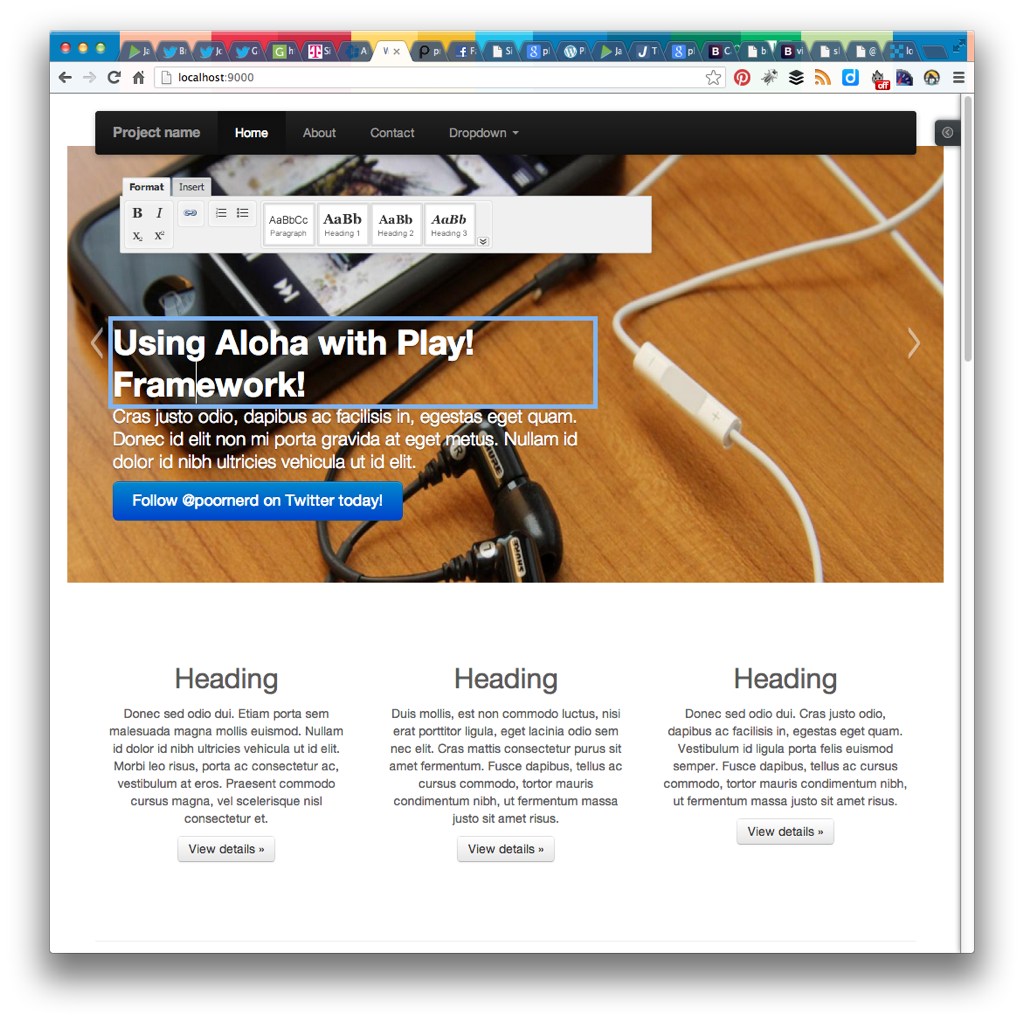 ](https://www.poornerd.com/wp-content/uploads/2013/04/play-aloha.jpg)I am constantly needing to update static content in Templates in my Play! Framework project, so I decided to integrate the Aloha Editor, an HTML5 WYSIWYG Editor.
It is free to use, and they offer an example of integration an saving with a POST to the server on this page: http://www.aloha-editor.org/howto-store-data-with-aloha-editor-ajax.php
Basically all I had to do in the frontend was integrate the editor as described, and add a class “editable” to the element that should be editable.
](https://www.poornerd.com/wp-content/uploads/2013/04/play-aloha.jpg)I am constantly needing to update static content in Templates in my Play! Framework project, so I decided to integrate the Aloha Editor, an HTML5 WYSIWYG Editor.
It is free to use, and they offer an example of integration an saving with a POST to the server on this page: http://www.aloha-editor.org/howto-store-data-with-aloha-editor-ajax.php
Basically all I had to do in the frontend was integrate the editor as described, and add a class “editable” to the element that should be editable.
<h1 class="editable" id="c1title">Example headline.</h1>
Then I had to create a POST action in my controller:
public static Result aloha() {
   final Map<String, String[]> values = request().body().asFormUrlEncoded();
   final String content = values.get("content")[0];
   final String contentId = values.get("contentId")[0];
   final String pageId = values.get("pageId")[0];
   System.out.println("pageId:" + pageId);
   System.out.println("contentId:" + contentId);
   System.out.println("Content:" + content);
   // save the content or whatever here...
   return ok();
}
Then I modified the aloha-save.js from the Aloha Example (which I copied from the above mentioned website), to post to the route for my action instead of `save.php`.
That was pretty much it. Make sure you add an id to the HTML elements so you can tell which on is which. The pageId ends up being the URL of the page, so that is not always helpful.
If you want to find out what I am doing with this, keep tuned to this blog or follow me on twitter!